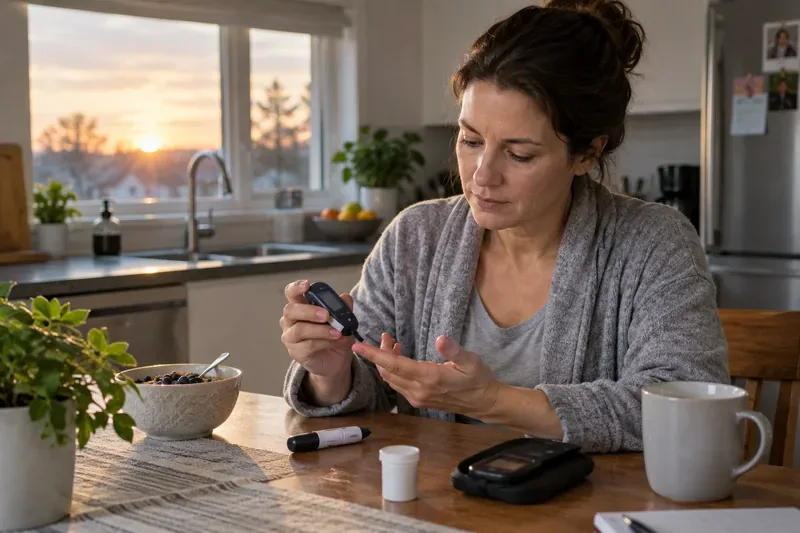
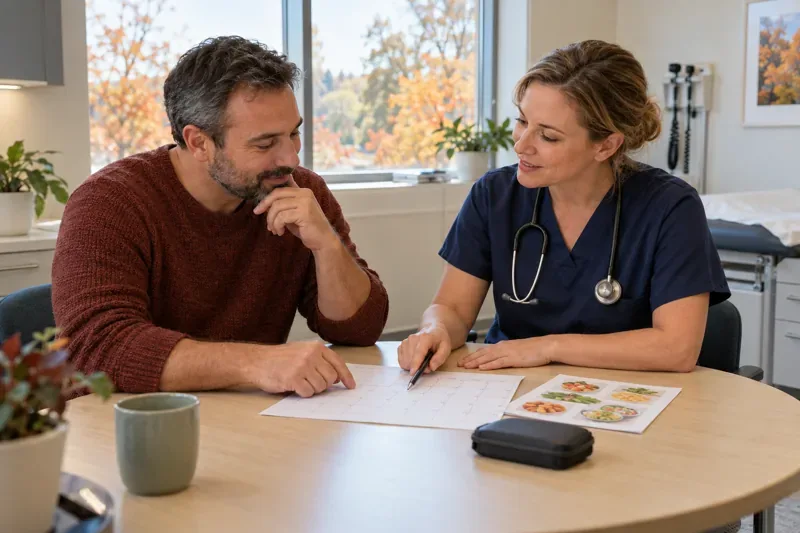
Unexpected numbers on your first day with a continuous glucose monitor (CGM) can be unsettling. A brief, consistent record helps your diabetes care team understand what happened and advise you on next steps. Use this guide if a new sensor shows a surprising high or low, a sudden change, or a reading that does not match how you feel. Follow your personal care plan for treatment and urgent situations; this log is for sharing information, not diagnosing a sensor problem.
Prerequisites
- Gather: your CGM app or receiver, the sensor’s packaging or model information, a notebook or phone note, and your blood glucose meter and supplies if you have been told to use them.
- Estimated time: about 5–10 minutes to set up the log, then a minute or two to add an entry when something unexpected occurs. Time varies with the app and your care plan.
- Difficulty: Easy.
How to document unexpected first-day CGM readings
Step 1: Record when the sensor was started
Write down the date and time you inserted or activated the sensor, where you placed it, and when the app or receiver first began showing readings. Include the CGM brand and model if you know them. Check the device’s own instructions for its warm-up period, placement guidance, and whether it requires calibration; these details differ by model. Avoid guessing if you cannot find the information.
Step 2: Capture the unexpected reading and its direction
Record the exact number and unit displayed (for example, mg/dL), the time, and any trend arrow or alert shown. Note whether the value was rising, falling, or steady, and whether it was one isolated point or continued across several updates. If possible, save a screenshot or use the app’s data-sharing feature. A CGM estimates glucose from fluid beneath the skin, and the result can differ from a blood glucose meter reading; the number alone does not explain why it occurred.
Step 3: Add what was happening and how you felt
Briefly note relevant context close to the reading: a recent meal or drink, physical activity, medication taken (including time, if relevant), sleep, illness, or pressure on the sensor site. Record symptoms—or state that you had none. Useful descriptions are specific: “felt shaky and sweaty at 10:15 a.m.” is clearer than “felt bad.” Include only details that may help explain the timing; there is no need to write a full diary.
Step 4: Compare with a meter only as directed
Follow your clinician’s instructions and the CGM manufacturer’s labeling about when to use a fingerstick meter. If you do compare, wash and dry your hands, use the meter as directed, and write down the meter result and time beside the CGM value. The readings may not match exactly because they measure glucose in different body fluids and can respond differently when glucose is changing. Do not change medication or make treatment decisions from this comparison unless your care plan tells you what to do.
Step 5: Send a concise summary and ask a focused question
Use your clinic’s preferred secure messaging method or bring the record to your appointment. State that this is your first sensor day, summarize the unusual pattern and any symptoms, and include screenshots or an app report if available. Ask what they want you to do if it happens again, when they want you to confirm with a meter, and whether they want the sensor or app information. Share urgent symptoms promptly rather than waiting to prepare a polished log.
Example: “I started my sensor Tuesday at 8:00 a.m. At 10:15 a.m. it showed 62 mg/dL with a downward arrow. I felt shaky. I followed my written low-glucose plan. At 10:22 a.m., my meter showed 78 mg/dL. I had eaten breakfast at 7:30 a.m. Should I confirm future alerts with a meter, and what should I do if these readings recur?” Use your actual details and your own prescribed plan.
A simple written record can help you describe a first-day CGM reading and its context.
The CDC explains that CGMs measure glucose in interstitial fluid, which can differ from blood glucose, and advises people new to CGM to ask their care team how often to use fingersticks. NIDDK notes that model features—including warm-up time and whether calibration is needed—vary. Read the CDC guide to continuous glucose monitors and NIDDK’s CGM overview, along with the instructions for your specific device.
Troubleshooting
The CGM value does not match how I feel
Do not dismiss symptoms based only on the sensor display. Follow your individualized plan for checking or treating glucose, and contact your care team for advice about a mismatch. If symptoms are severe, worsening, or include confusion, fainting, seizure, or inability to safely swallow, seek emergency help. If a person is unconscious or having a seizure, do not give food or drink by mouth.
The app shows gaps, an error, or no trend
Note the exact message and time, then consult the device instructions for troubleshooting. Check only the connections or settings the manufacturer recommends. Record when data resumed and whether an alert was missed. Contact the device support service or your clinic if the instructions do not resolve it or you are unsure how to monitor safely during the gap.
The sensor site is irritated or the patch is coming loose
Record what you see, when it began, and whether the sensor remains attached. Follow the manufacturer’s directions about adhesive and sensor replacement, and ask your care team what to do if the sensor is dislodged or the skin reaction persists. Seek prompt medical advice for worsening redness, warmth, swelling, drainage, or significant pain.
Frequently asked questions
Are first-day CGM readings always inaccurate?
No. A surprising reading by itself does not establish whether the sensor is inaccurate. Sensor behavior and startup instructions vary by model. Record the pattern, compare with a meter only as directed, and ask your care team how to interpret readings for your device.
Should I change my insulin because of one unexpected CGM number?
Do not change insulin or other medication solely because of this guide. Follow your clinician’s individualized instructions for alerts and treatment, and contact your care team if those instructions do not cover the situation.
What information should I send with a CGM screenshot?
Include the time and date, sensor start time, displayed value and unit, trend arrow, symptoms, relevant activity or meal context, and any meter comparison you made under your care plan. Remove personal information you do not intend to share.